Overview
AldiPro Material Transactions wasn’t a design-heavy project in the traditional sense. Its complexity came from translating an existing material-handling process— involving multiple roles, permissions, documents, and handoffs—into one reliable digital system.
My responsibility went beyond designing the interface: I had to uncover how the operation worked, align stakeholders around the same requirements, document the product logic, and manage changes without losing control of the project scope.
- Role
- Project Manager, UX/UI Designer
- Domain
- SaaS, ERP, Internal Tools
Background
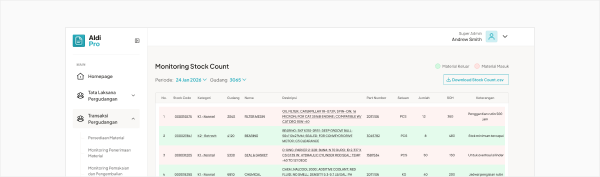
My client ask me to digitalize their current business flow. The flow is to organize and record all the material transaction in warehouse at Kalselteng. Previously they do record manually using phone or tablet and using sheet file as source of truth data.
So, my first step is understanding the business context, I list down
- all the required business flow need to accomplish
- every role need to in charge in this project
- every task of each role
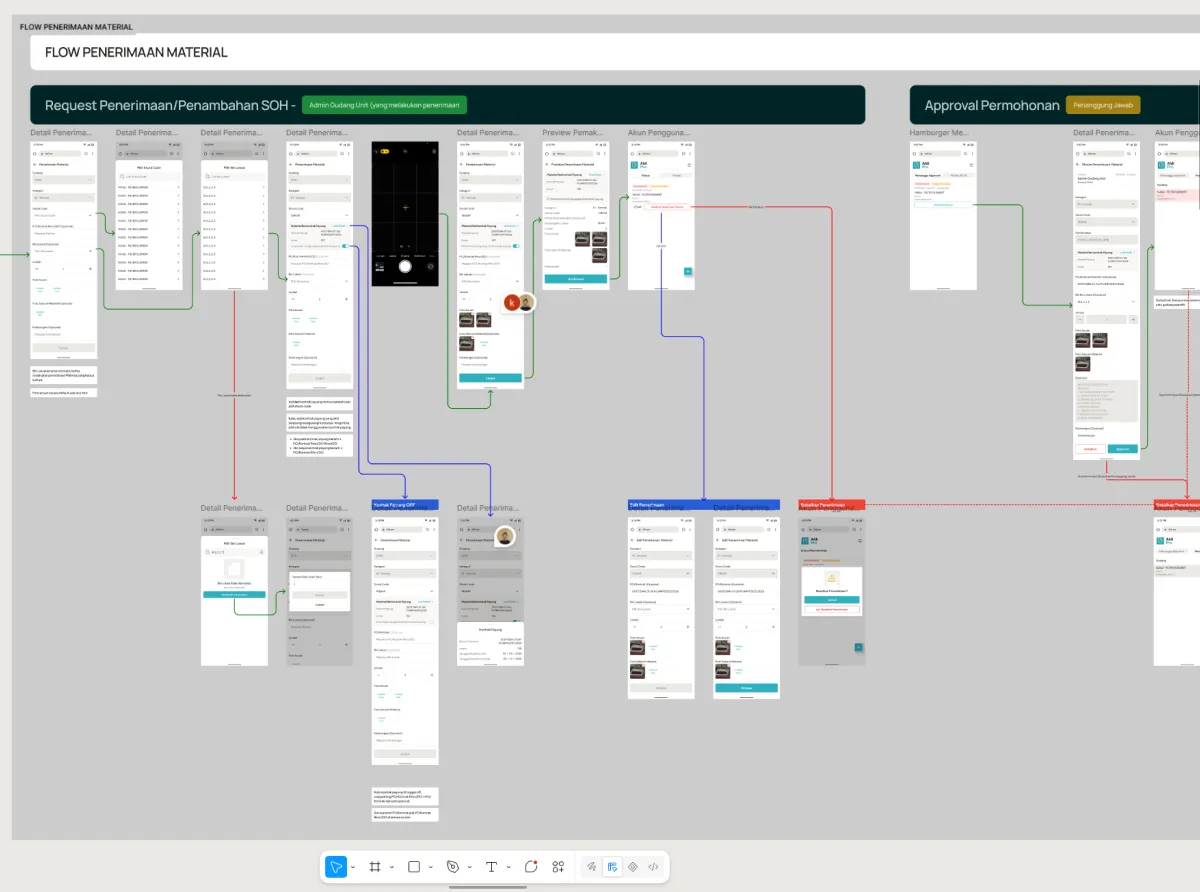
Mapping the material transaction flow
The flow connects each role with its tasks, approval steps, and system updates across material reception, usage, returns, warehouse transfers, and stock reporting.
AldiPro role privileges
A role-based access model keeps each operational responsibility clear and controlled.
Scroll horizontally to compare all six roles →
Desktop
Super Admin
- Manage inventoryEdit, add or upload stock codes
- Manage accounts
- Use material
- Return material
- View MTM
- View MPKM
- Print QR codes
- Download stock count
Mobile / Desktop
Penanggung Jawab
- Approve transactions
- Use material
- Return material
- View inventory
- Receive materialStock on hand
- View MTM
- View MPKM
- Print Bon
- Print QR codes
- Download stock count
Desktop
Admin Gudang UP
- Fulfill MPKM
- View inventory
- Approve MTM
- Print QR codes
- View stock count
Desktop
Rendal UP
- Complete MPKM dataIR/CR, Project/WO, CoA, date
- View inventory
- View MTM
- View material management
- View stock count
Mobile / Desktop
Admin Gudang Unit
- Use materialMobile
- View inventoryMobile / Desktop
- Return materialMobile
- Receive materialMobile ? Stock on hand
- Upload tag-card photoMobile / Desktop
- View MTMMobile / Desktop
- View MPKMMobile / Desktop
- Print BonMobile / Desktop
- Print QR codesMobile / Desktop
- Download stock countMobile / Desktop
Desktop
Auditor
- View MTM
- View MPKM
- View inventory
- View stock count
- Manage
- Act or approve
- View
- Print or download
MTM: Monitoring Penerimaan Material
MPKM: Monitoring
Pemakaian dan Pengembalian Material
After aligning with my client on what I would build and the scope of work, I started designing in Figma. Here is what I built.
The Design Process
I started creating high-fidelity designs with my own design system. To keep the work aligned, I conducted a design review after each major feature and checked that we were moving in the right direction.
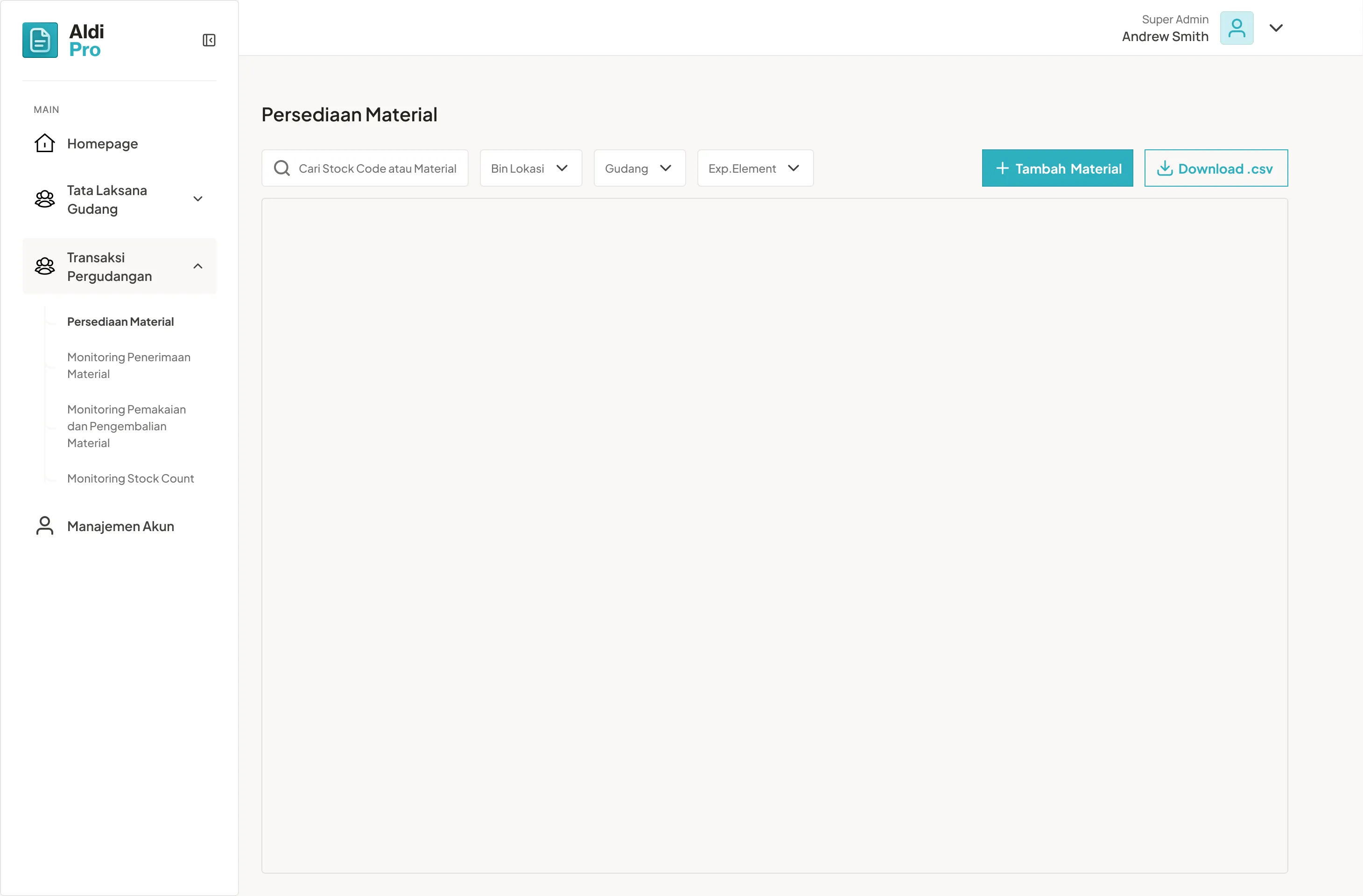
This case study focuses on Setup, Reception (Penerimaan), Usage (Pemakaian), and Stock Count (for the audit trail). Let’s start with Setup.
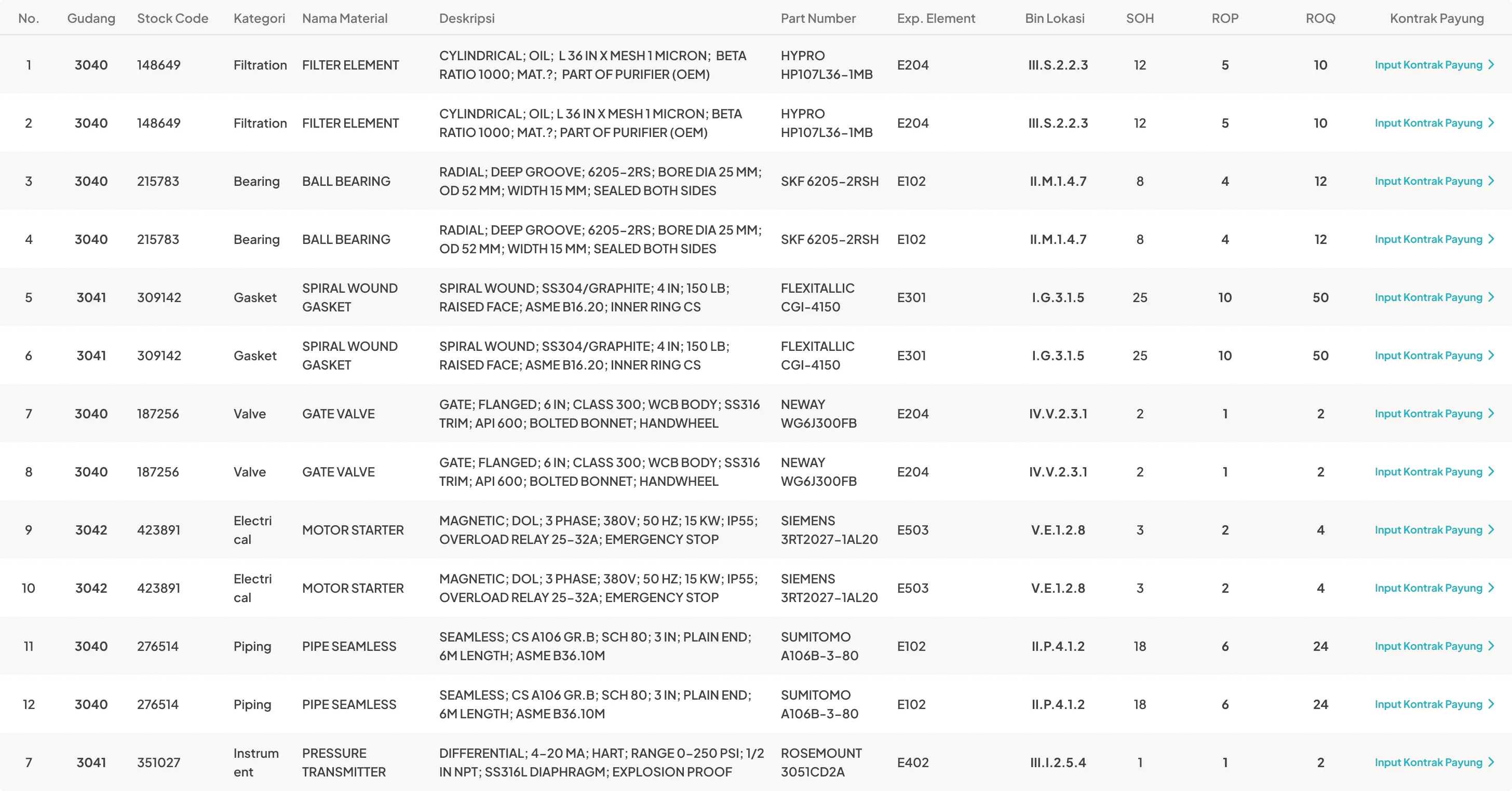
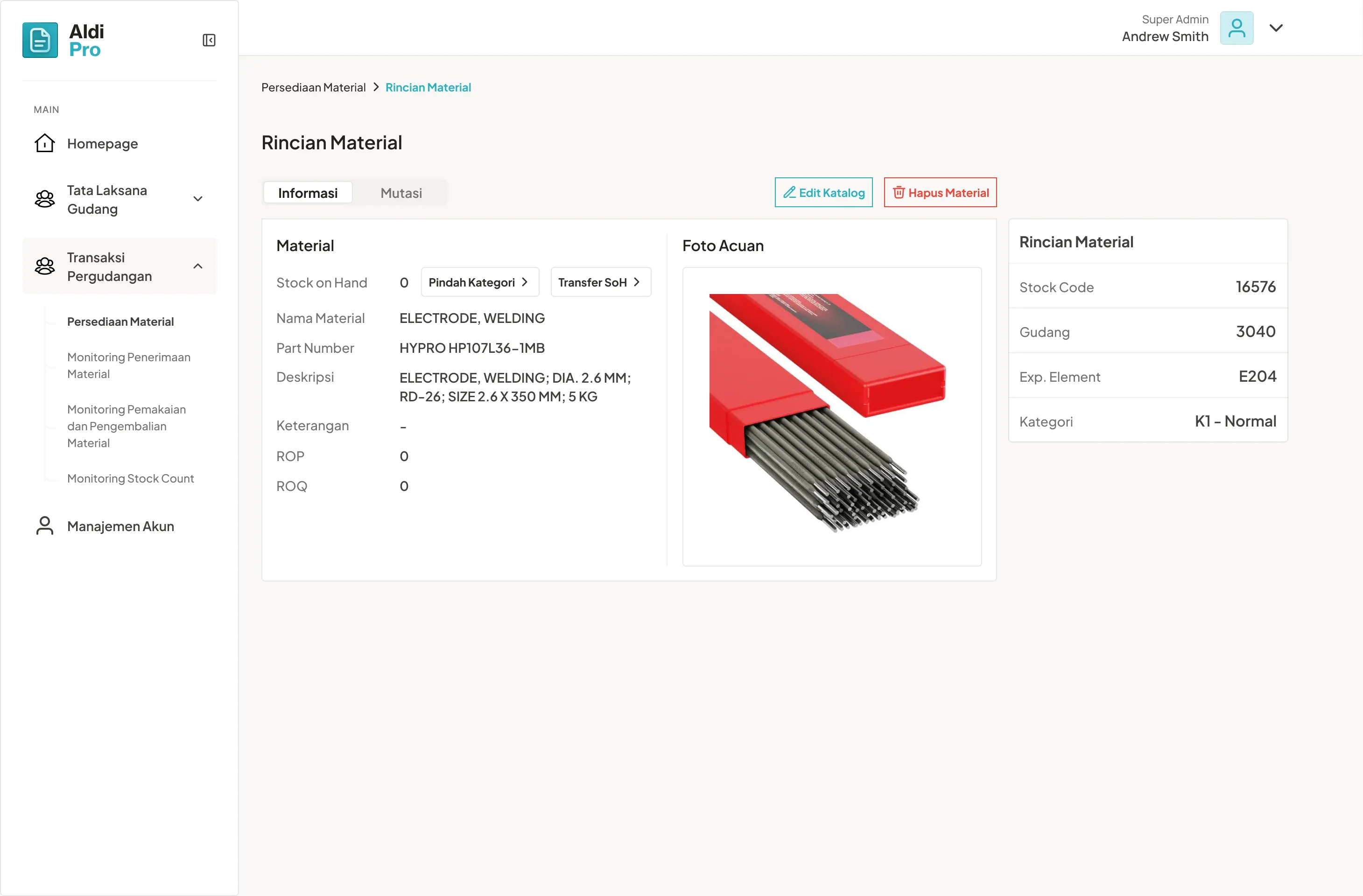
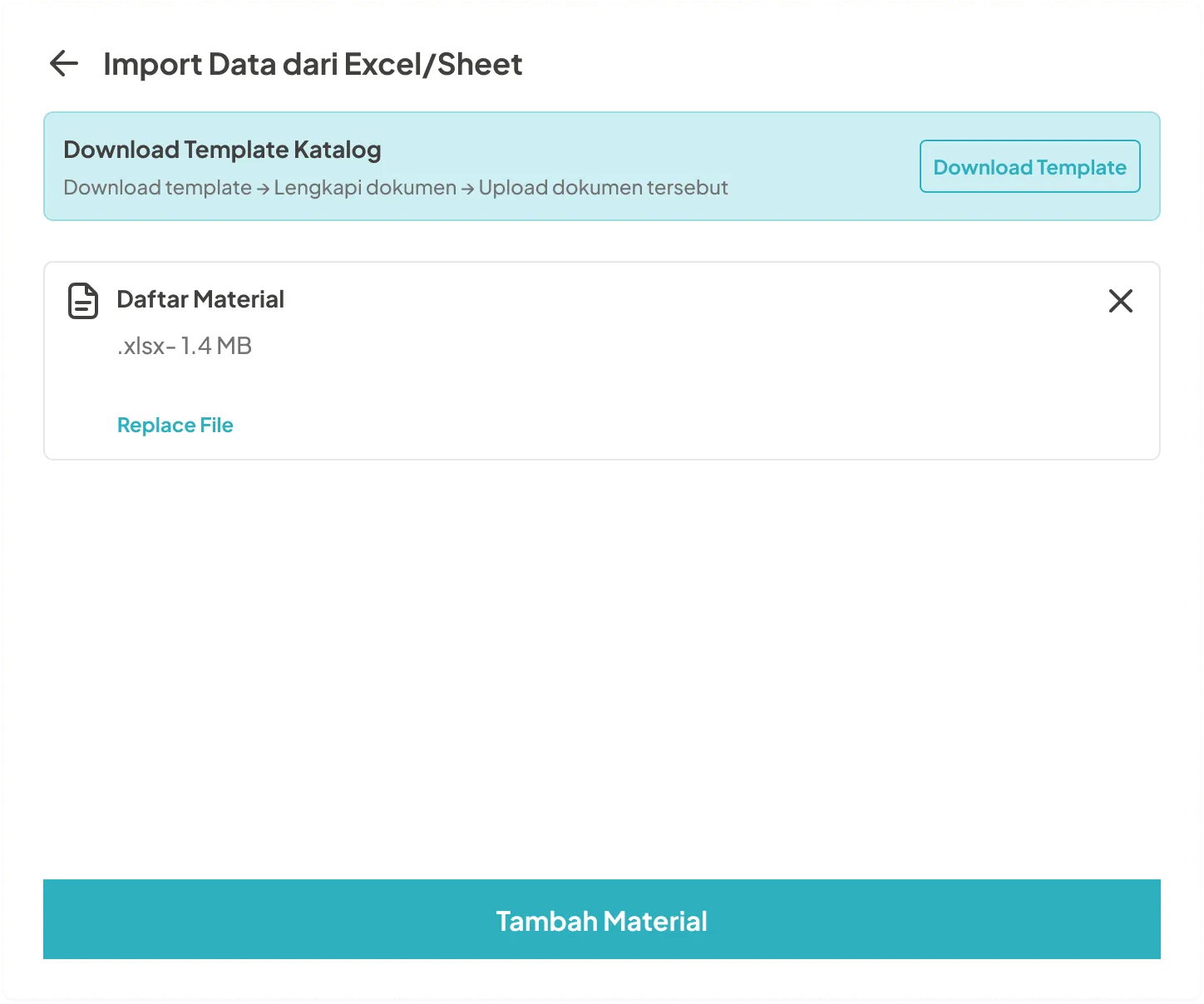
1. Initial Setup Flow
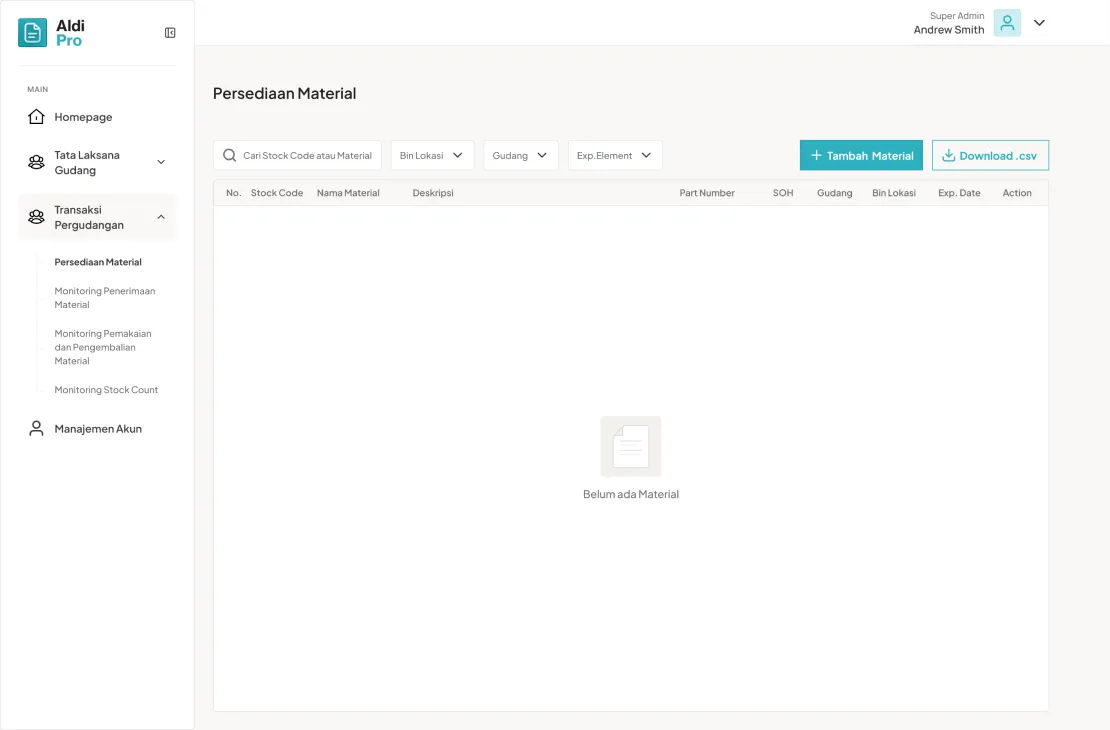
First thing first, upload the stock code material from existing database - in this case Super Admin done by uploading sheet document


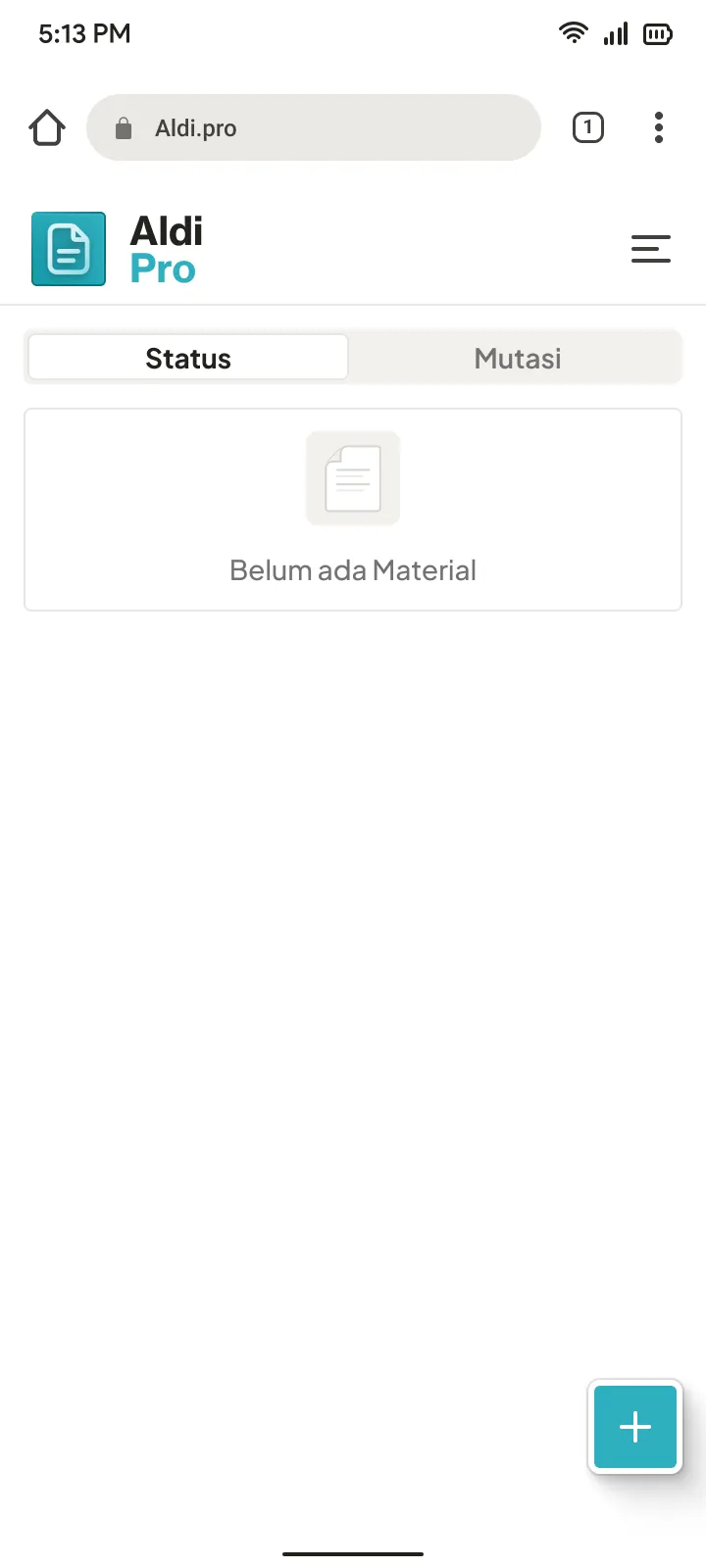
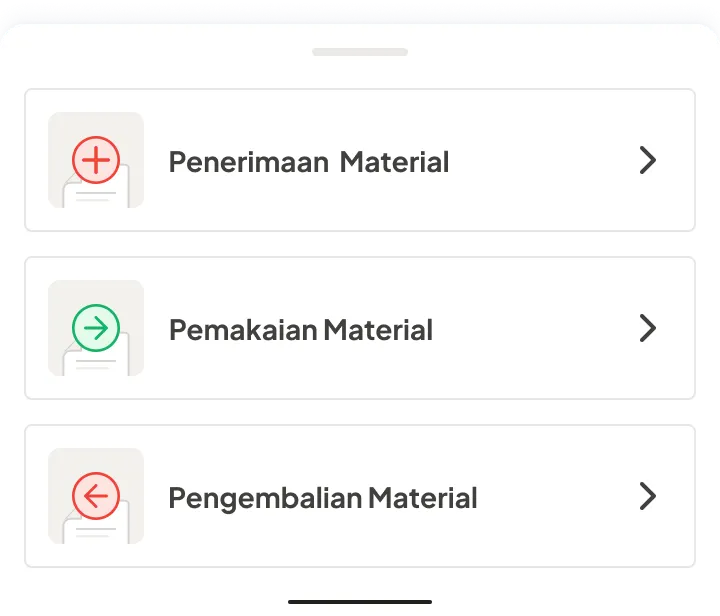
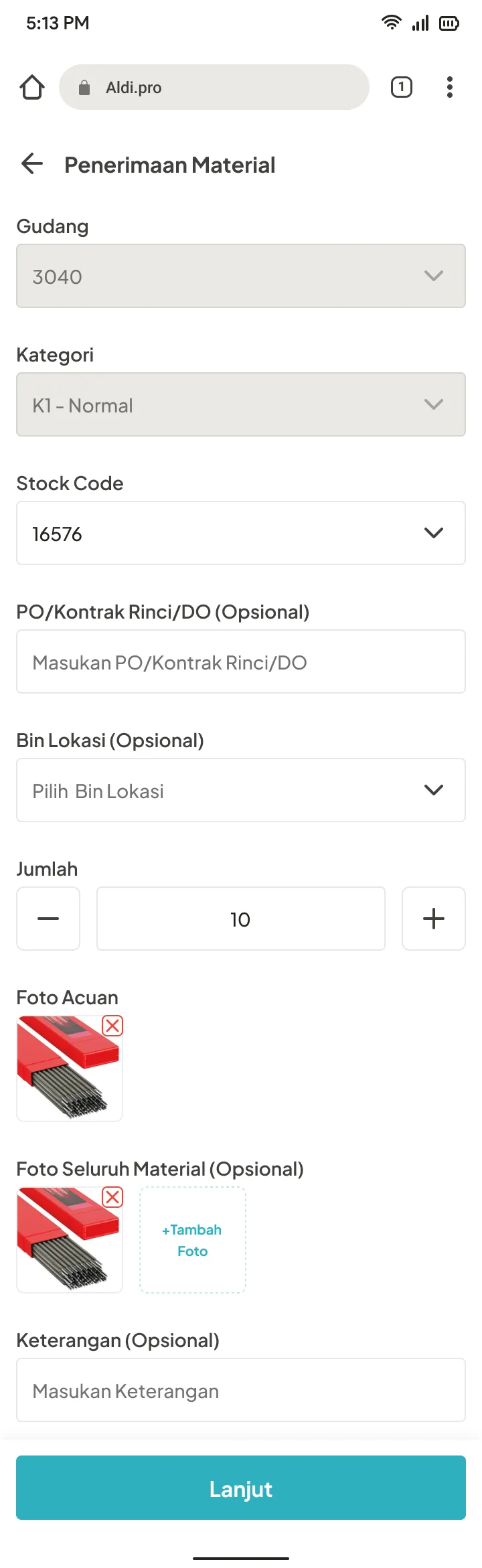
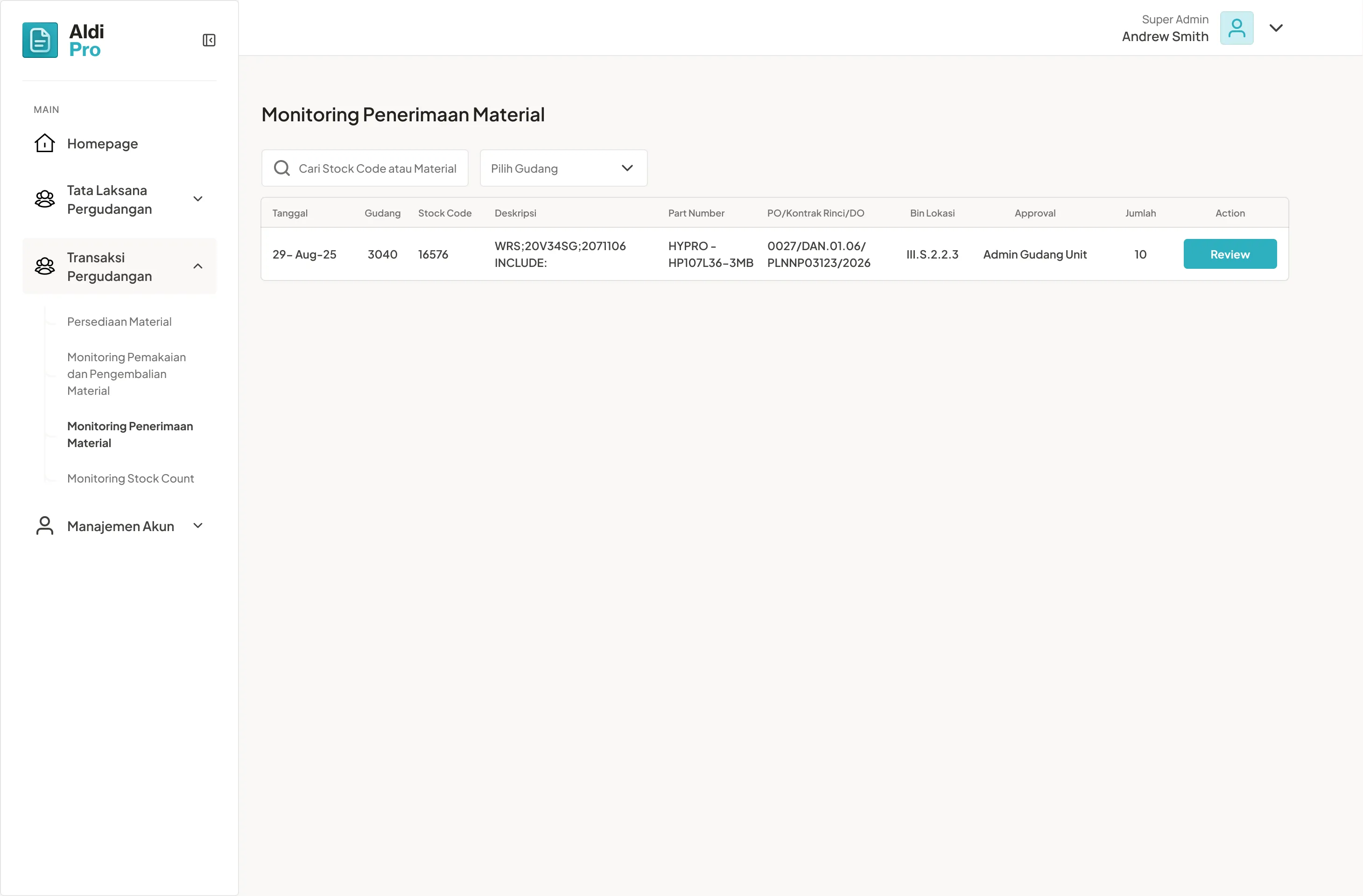
2. Reception (Penerimaan)
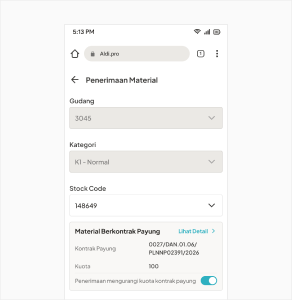
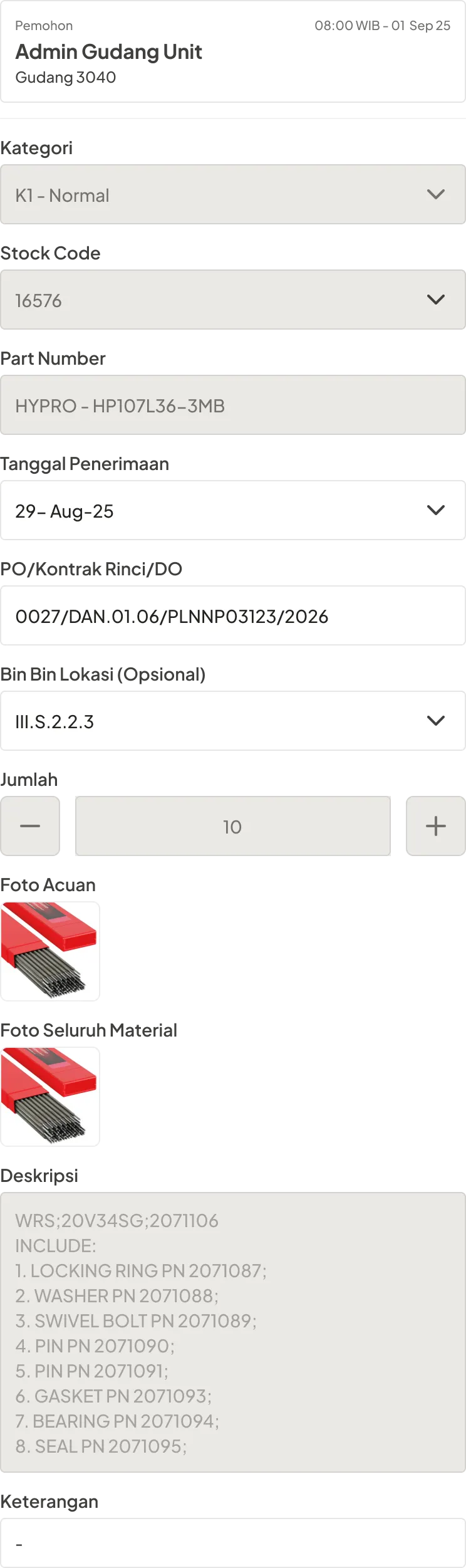
After stock code populate in database, Admin Gudang Unit can do reception by choose stock code available.

3. Usage (Pemakaian)
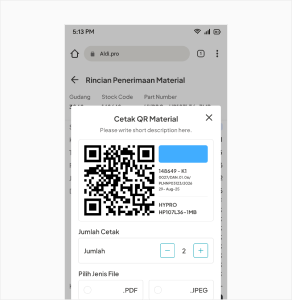
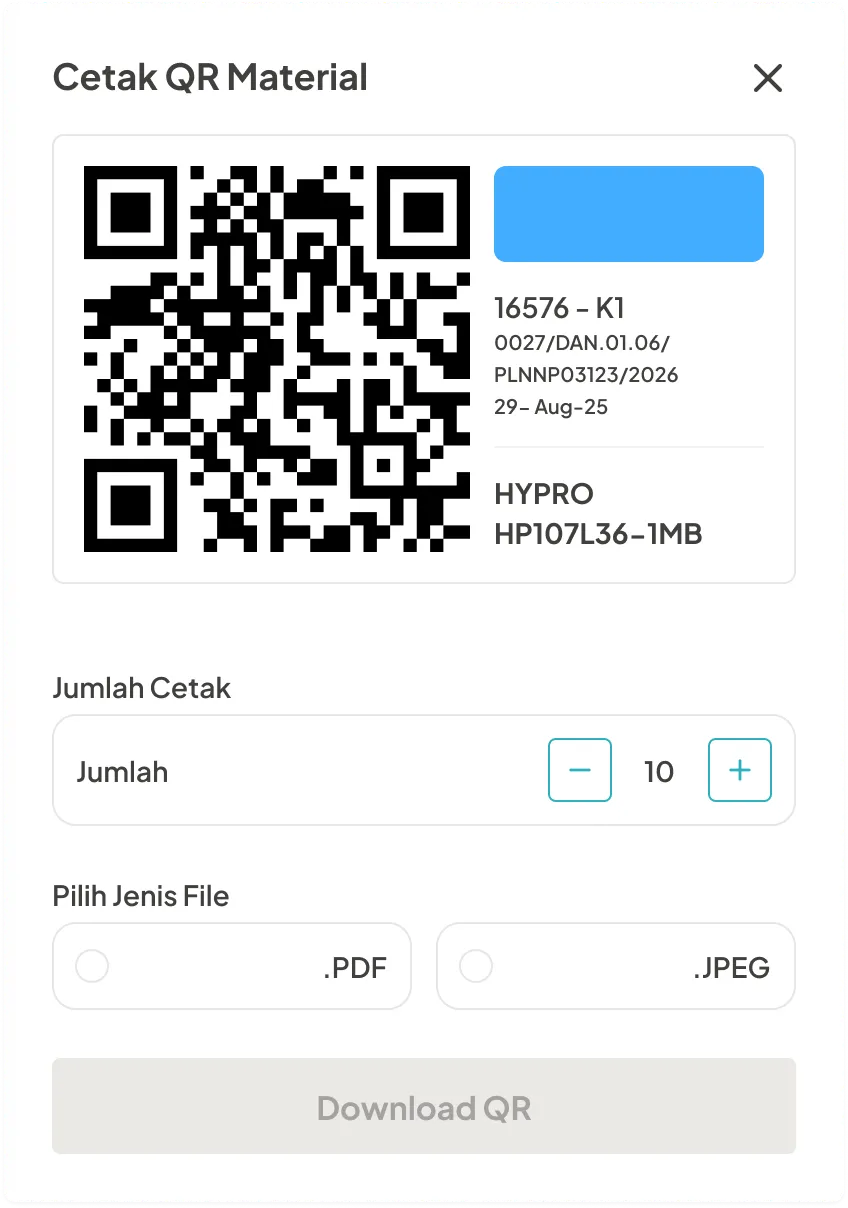
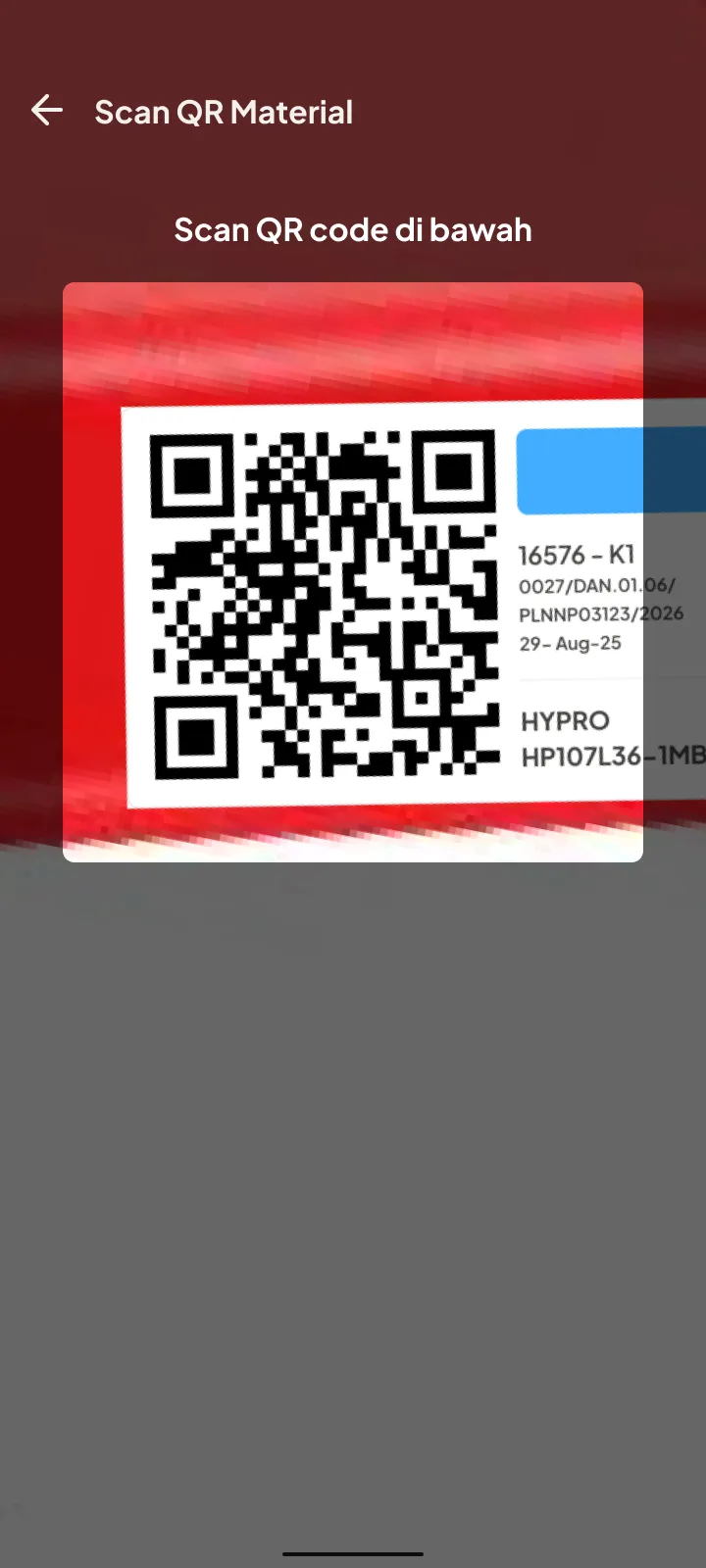
After QR code generated, it will be affixed to the related material in the warehouse they just receipt, and warehouse keeper can scan it to use.
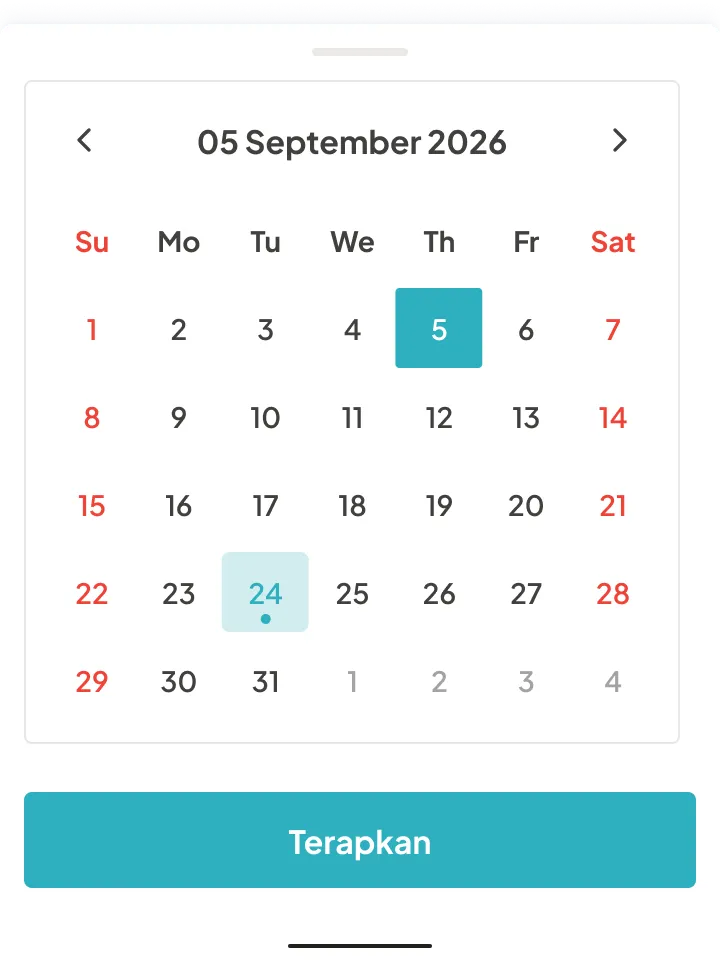
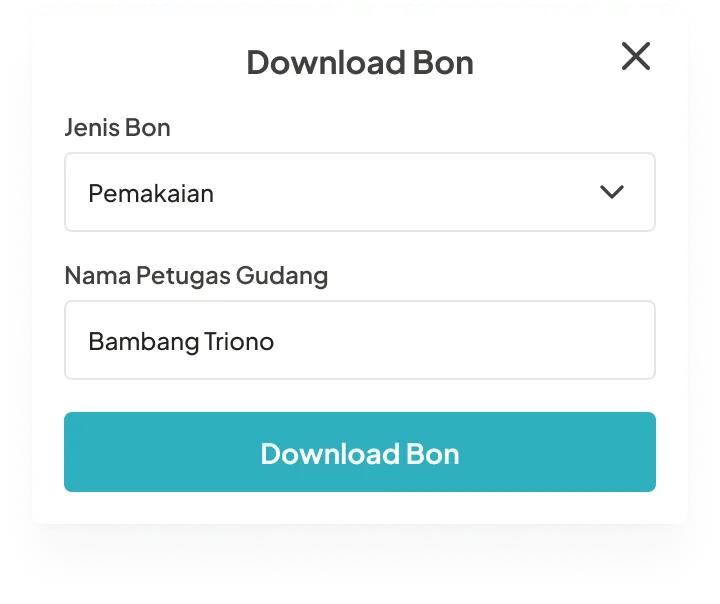
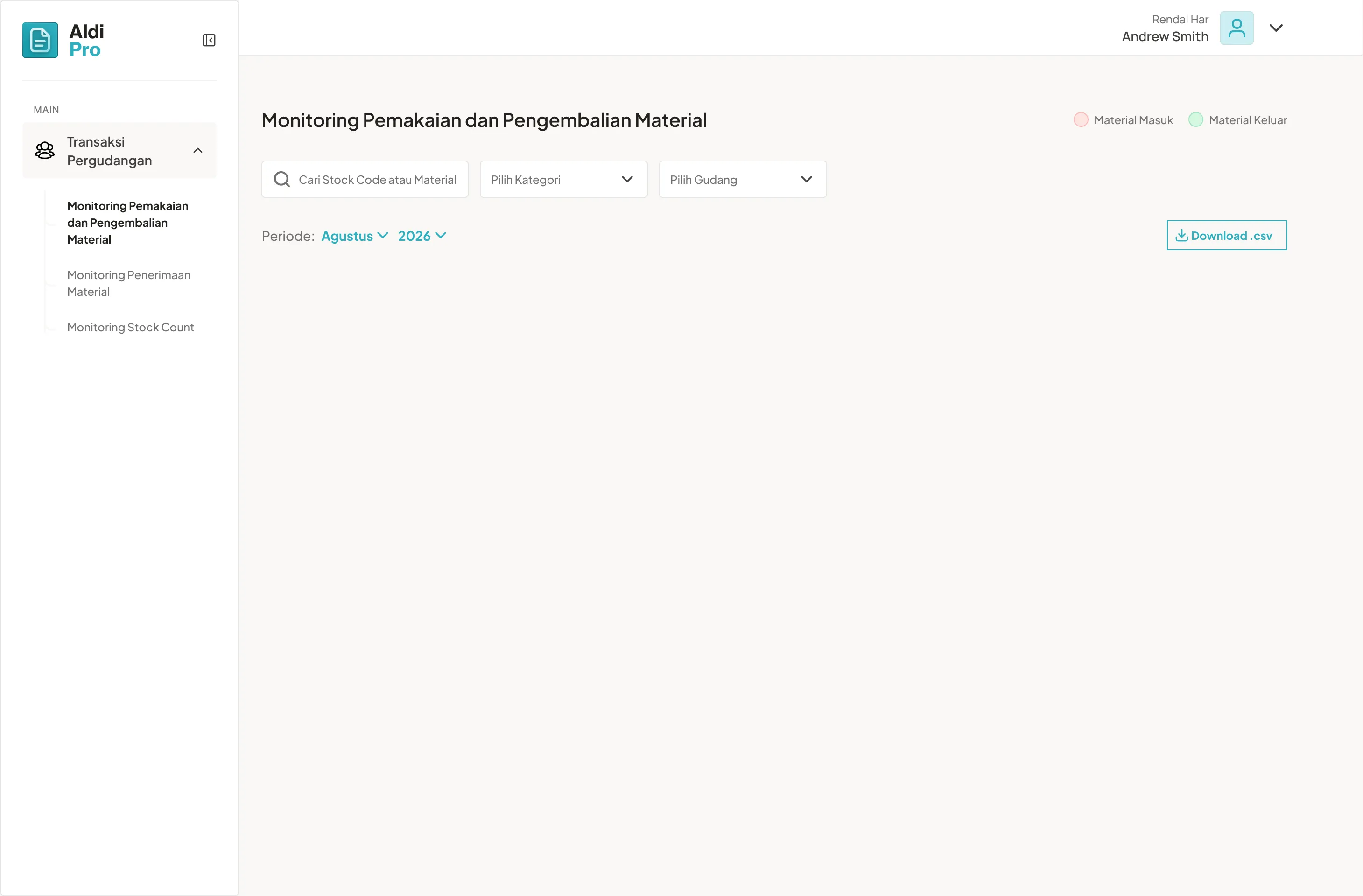


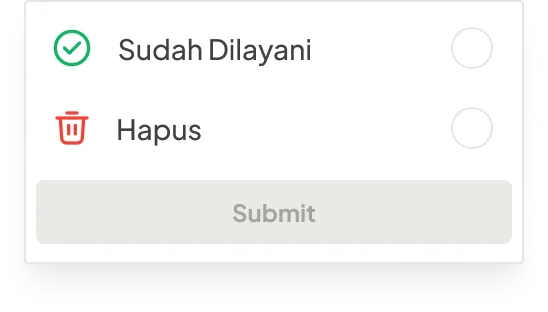
Design Alignment
After I completed one or two major features like the three sections above, I aligned with the client to make sure we were on the same page. Once everything was agreed, I handed the designs to the developer with notes and business logic for each flow.
Developer Handoff
The completed designs were handed to the developer to start building. Besides the PRD, I also provided logic notes for specific flows that needed special attention.
Business Impact
My client was happy with the result. The tool is now used to replace the existing material transaction process and provide reliable data as a single source of truth.
1
Successfully digitized material transaction records in the warehouse.
2
A single source of truth for material transaction data.
3
Seamless access to data anywhere, anytime.
Reflections
This project taught me more beyond design:

Complexity →
Clarity
Transforming interconnected warehouse operations, stakeholder responsibilities, and approval dependencies into understandable user flows.

Stakeholder Alignment →
Validated Design
Using high-fidelity prototypes and iterative design reviews to bridge the gap between operational expectations and implementation.

Fragmented Processes →
Shared Source of Truth
Designing a system that connects material movements, approval responsibilities, and transaction history in one place.